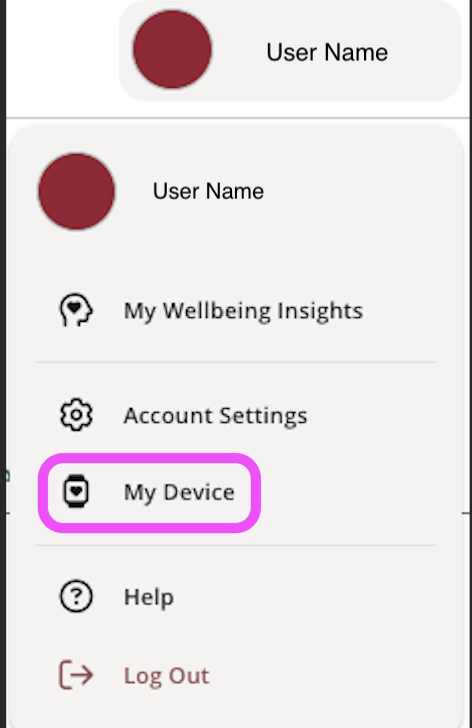
To connect your fitness tracking device or app to your wellness profile, click My Device under your profile dropdown.
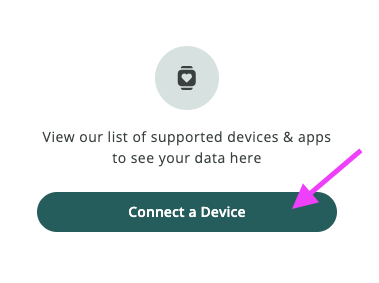
Click on Connect a Device.
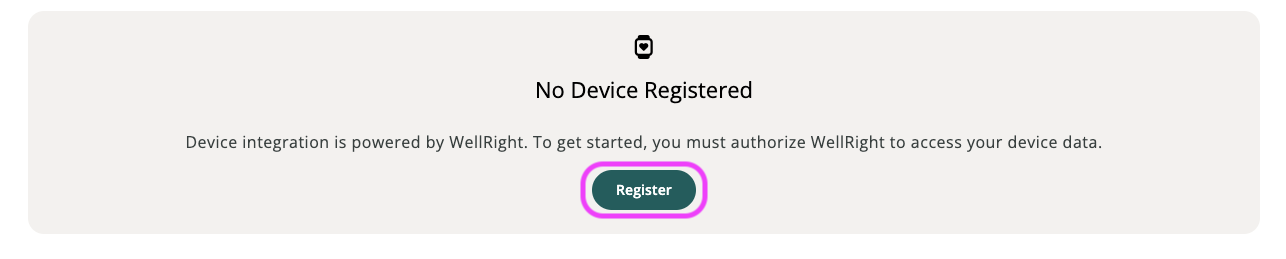
Then click Register to register with Validic, our third-party data vendor.
Click on "Connect" next to the device or app name on the Devices page.*
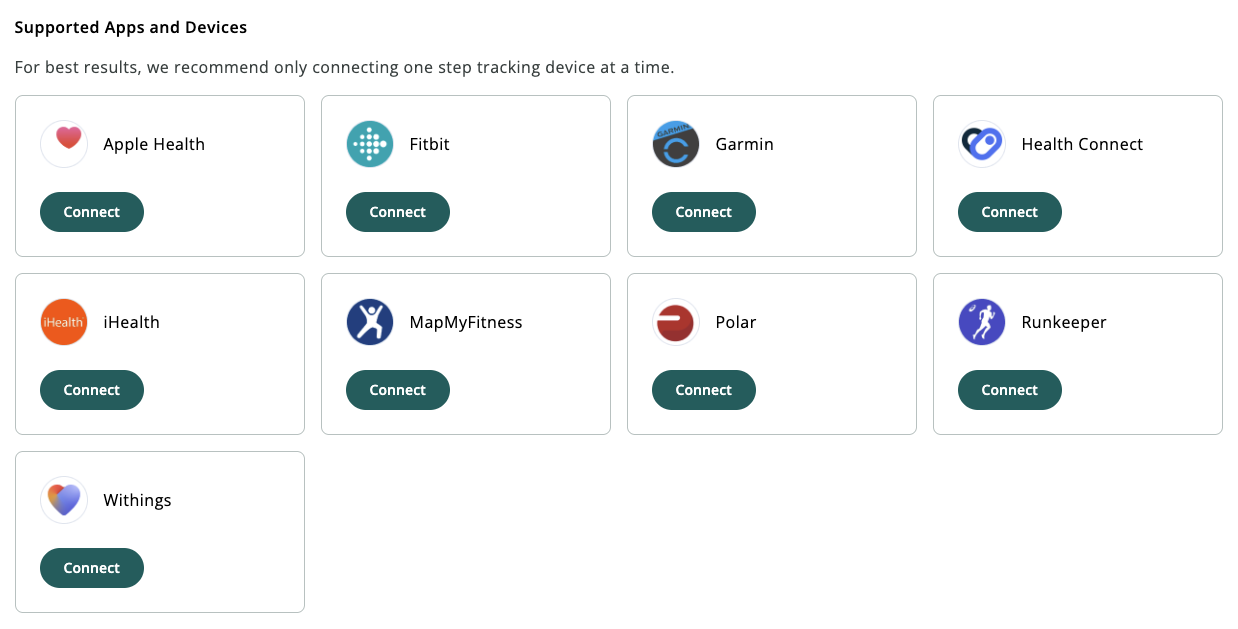
Once you make your selection, you will be redirected to their respective login page. Please ensure you are connecting to an existing account; login credentials are unique to your device or app manufacturer and separate from your wellness program login credentials.
* Apple Health can only be added through the iOS mobile app. Please visit Apple Health - How to Connect for more information.
* Health Connect can only be added through the Android mobile app. Please visit How to Sync Health Connect Data? for more information.
Was this article helpful?
That’s Great!
Thank you for your feedback
Sorry! We couldn't be helpful
Thank you for your feedback
Feedback sent
We appreciate your effort and will try to fix the article