To connect your Fitness app/device through the WellRight mobile Android app, please complete the following steps:
1. Log in to the WellRight Android mobile app and select the person icon in the top right corner.

2. Click My Device.

3. Follow the prompts to register with Validic, our third-party data vendor. After registration is complete, find the name of the app or device you wish to connect and toggle the switch next to it On. You will be redirected to the appropriate app/device site and prompted to enter your account's login credentials.
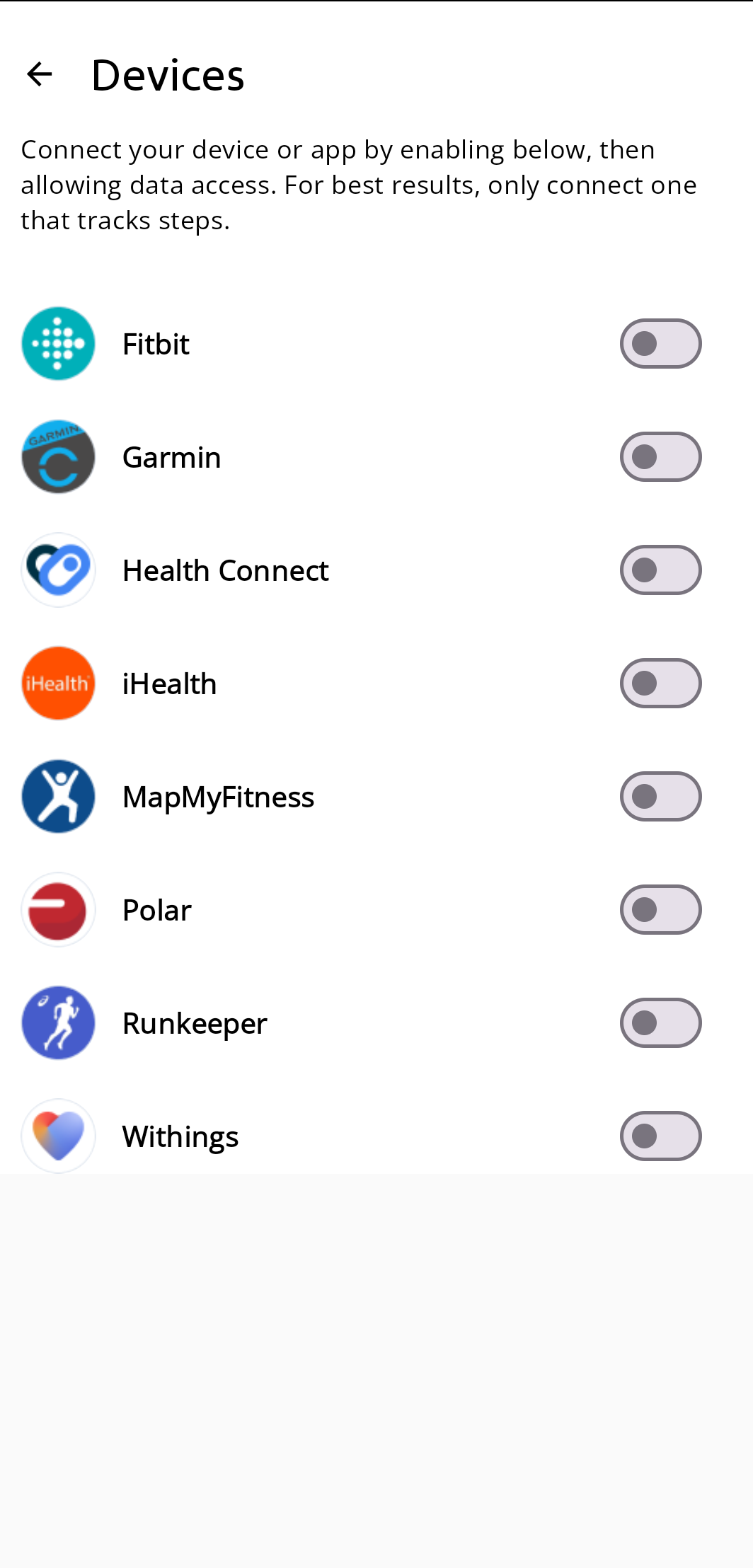
4. Once the app/device is connected, a Connected web page will display. Exit the Connected page and navigate to your WellRight App to confirm your app/device connection.
Was this article helpful?
That’s Great!
Thank you for your feedback
Sorry! We couldn't be helpful
Thank you for your feedback
Feedback sent
We appreciate your effort and will try to fix the article